A film production schedule is not just a list of scenes in script order. It is a practical plan for deciding what gets shot, on which day, at which location, with which cast and resources. A strong schedule reduces unnecessary company moves, exposes cast conflicts early, controls overtime risk and gives the budget a real operational foundation.
The usual workflow is straightforward in theory: break down the script, create a strip for each scene, group scenes intelligently, build shoot days, then pressure-test the plan against cast, locations, day/night requirements and cost. In practice, the quality of the schedule depends on how well those constraints are balanced.
What Is a Film Production Schedule?
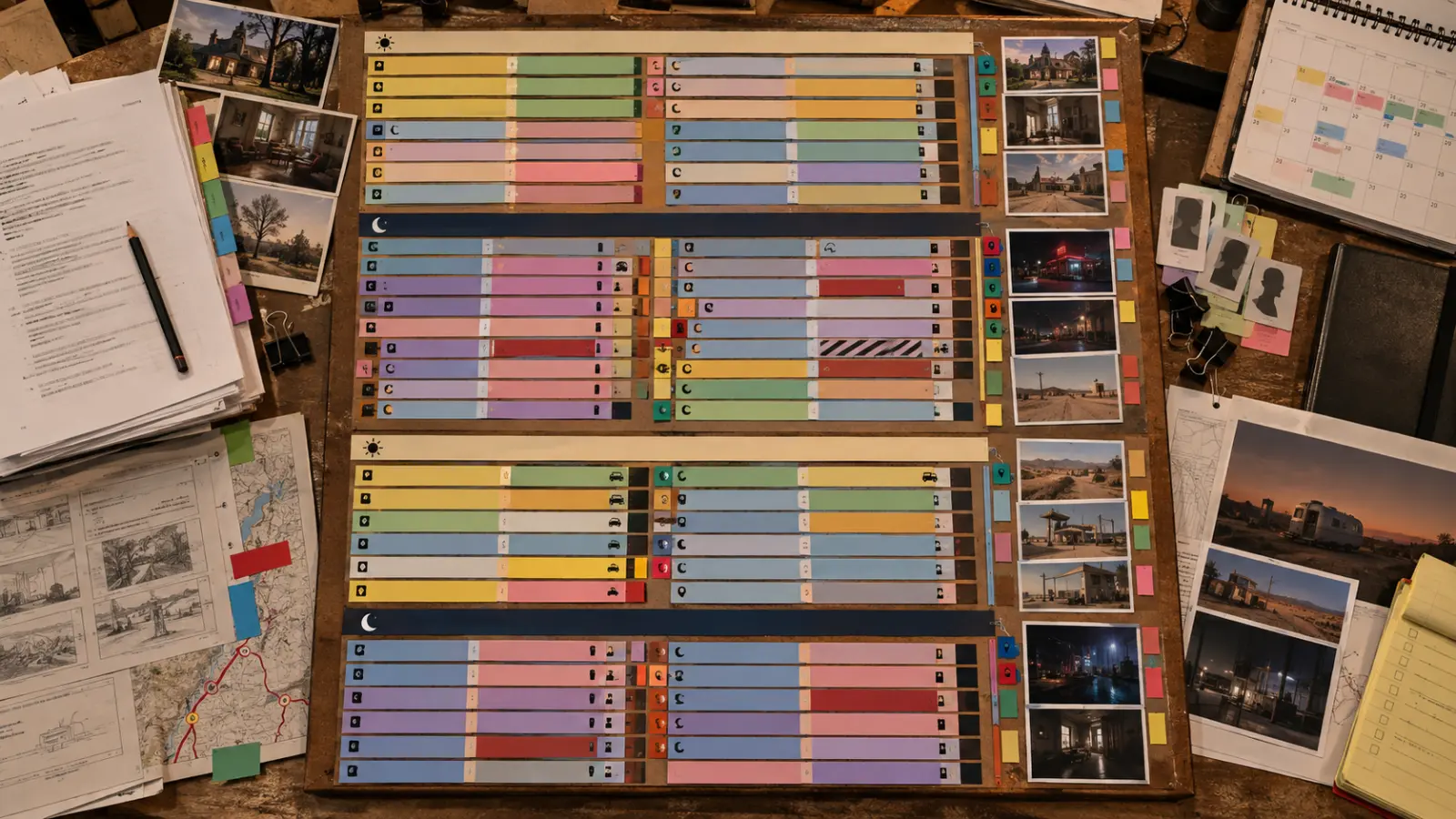
A film production schedule is the master shooting plan used to organize principal photography. Depending on the project and software, it may appear as a stripboard, one-line schedule, detailed shooting schedule, calendar and related reports such as a Day Out of Days.
The official Movie Magic Scheduling manual describes scheduling software as a tool for breaking down, organizing and reporting on a project. Its stripboard fields can include scene number, INT/EXT, set, pages, location, shoot time, shooting date, shooting day and day/night status. That is a useful reminder that a production schedule carries far more operational information than a simple calendar.
The Directors Guild of America also identifies script breakdown and the preliminary shooting schedule among core UPM duties, while the 1st AD organizes the script into a shooting schedule. In real-world prep, producer, line producer, UPM and AD work often overlap around the schedule because it directly affects both creative execution and cost.
Film Production Schedule vs Shooting Schedule vs Call Sheet
| Document | What it does | When it is used |
|---|---|---|
| Production schedule / stripboard | Organizes the whole shoot across days, scenes, locations and cast. | Built during pre-production and revised as constraints change. |
| Shooting schedule | A report of the planned scenes and production elements by shooting day. | Used by production management and departments to plan the overall shoot. |
| Production calendar | Places shoot days, prep, travel, holidays, off-days and other events on actual dates. | Used to understand the full calendar footprint of the production. |
| Call sheet | Gives the operational plan for one specific shoot day. | Issued daily once the next day is confirmed. |
Think of it this way: the stripboard tells you the architecture of the shoot; the calendar tells you when that architecture happens; and the call sheet tells everyone where to be tomorrow.
What You Need Before You Start Scheduling
Scheduling too early creates false precision. Before you build a serious film schedule, gather the information that controls how scenes can move.
- Latest working screenplay: scene numbers and page counts must be stable enough to track changes.
- Script breakdown: cast, background, props, wardrobe, vehicles, stunts, special equipment, animals, VFX, practical effects and other elements.
- Location assumptions: which scenes share a set/location, access windows, travel time and company-move limitations.
- Cast availability: hard unavailable dates, preferred blocks, child-actor limits and travel/hold constraints.
- Day/night requirements: scenes that need real night, dusk, sunrise or controlled stage conditions.
- Production assumptions: unit size, target shoot days, working week, travel days, union framework and known department constraints.
If the script is not broken down yet, start with our guide on how script breakdown affects schedule and budget or use our script breakdown & production scheduling service.
How to Create a Film Production Schedule Step by Step
Step 1: Lock the Working Script and Scene Numbers
You do not need a script that will never change again, but you do need a stable working draft. Scene numbers matter because every breakdown sheet, stripboard entry, cast report and revision needs a reliable reference point. If scene numbering changes casually during prep, the schedule becomes harder to audit.
Before scheduling, identify omitted scenes, added scenes and revisions. Make sure the page count and scene order reflect the version the team is actually planning to shoot.
Step 2: Break Down Every Scene
Scheduling begins with breakdown. For each scene, capture the information that changes production requirements:
- scene number and page count;
- INT/EXT and day/night;
- set/location;
- principal cast and background;
- props, wardrobe, makeup and set dressing;
- vehicles, animals, stunts, VFX, SFX or specialty equipment;
- notes that affect prep, safety or timing.
A scene that is only one-eighth of a page can still be expensive if it requires a company move, complicated stunt or difficult night setup. That is why scheduling by page count alone is dangerous.
Step 3: Turn Breakdown Sheets Into Stripboard Entries
Each scene becomes a scheduling strip. Traditional stripboards used physical paper strips; modern tools reproduce the same logic digitally. The Movie Magic Scheduling strip display supports fields such as scene number, set, pages, location, shooting date, shooting day, day/night and element information.
The point is not the software. The point is that every scene becomes a movable production unit that can be grouped with other scenes.
Step 4: Group Scenes by Set and Location First
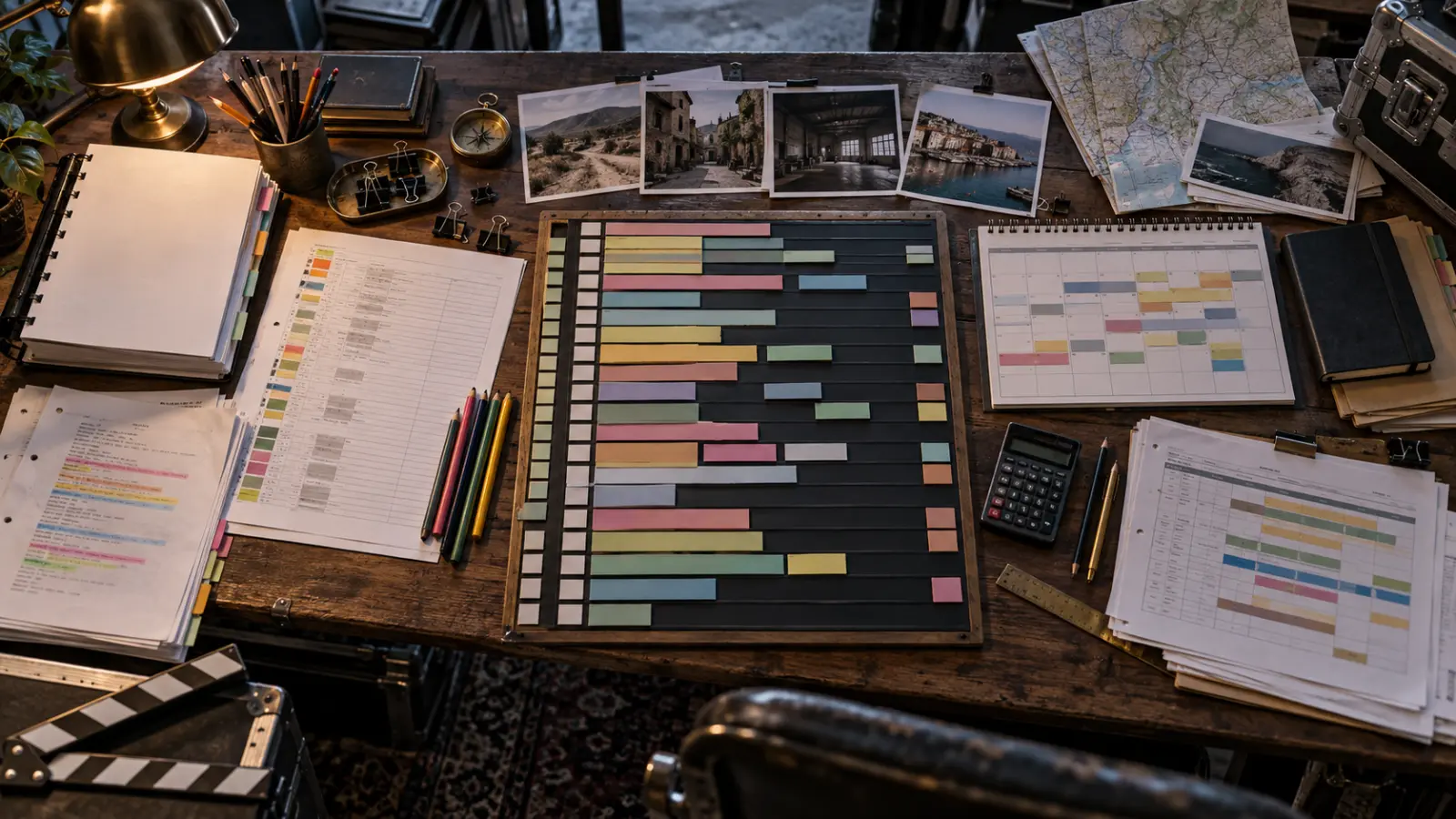
The biggest scheduling win is often reducing company moves. If five scenes take place in the same house across different moments in the story, shooting them in one block is usually more efficient than returning to the location repeatedly.
Start by grouping scenes with the same practical set or location, then examine what else they require. A perfect location block may stop being perfect if a key actor is unavailable, one scene is night exterior, or the art department needs a major reset.
Step 5: Check Cast Availability and Actor Work Patterns
Cast can reshape the entire schedule. A supporting actor available for only three days may force their scenes into one tight block. A lead with travel constraints may require strategic off-days or holds. Child performers and other regulated circumstances may impose additional limits.
This is where a Day Out of Days becomes valuable. It shows which days each cast member is working, holding, starting or finishing, and helps expose expensive gaps or conflicts before the schedule is locked.
Step 6: Separate Day, Night, Interior and Exterior Logic
Do not treat all scenes at one location as automatically compatible. A day exterior, night exterior and interior may have very different lighting, access and turnaround implications. Real-night work affects crew rest and can change the next day. Dusk and sunrise scenes offer very short shooting windows.
Use day/night and INT/EXT flags to build realistic blocks. If a location can be fully controlled, some day/night looks may be created artificially; if not, the schedule must respect the real environment.
Step 7: Build Shoot Days and Add Day Breaks
Once scenes are grouped, divide them into actual shoot days. A day break should reflect what a crew can realistically complete, not what makes the spreadsheet look efficient.
Estimate each day using more than pages:
- number of setups and coverage style;
- scene complexity and performance demands;
- company moves;
- lighting changes;
- stunts, effects, vehicles or crowds;
- cast changes and makeup/wardrobe complexity;
- location access and hard-out times.
How Many Pages Per Day Should a Film Shoot?
There is no universal pages-per-day rule. A contained dialogue scene might move quickly, while half a page of stunt work can consume a full day. Page count is still useful as a pressure check, but it should sit beside setups, complexity and location movement.
Step 8: Add Company Moves, Travel, Off-Days and Calendar Events
After the stripboard works in sequence, place it on a real production calendar. Include weekends, holidays, travel days, company moves and other non-shoot activity. The Movie Magic Scheduling calendar documentation specifically supports start dates, off-days, holidays and company travel days.
This step exposes problems the abstract stripboard can hide. A beautiful seven-day sequence may be impossible once a location is only available Tuesday–Thursday or a cast member leaves town on Friday.
Step 9: Review the Day Out of Days and Department Impact
Run a DOOD and ask whether the schedule creates unnecessary holds, repeated pickups or department inefficiencies. Review with the departments that carry the most schedule-sensitive workload—typically AD, camera, grip/electric, art, locations, transportation, wardrobe, makeup and production office.
The schedule should also make sense for pre-calls, prep days and wrap. A location that needs a full art-dress day cannot simply appear on the calendar as if the crew walks in ready to shoot.
Step 10: Reconcile the Schedule With the Budget
This is the step that separates a creative schedule from a production schedule. Shoot days drive crew payroll and equipment rentals. Cast days affect performer cost. Company moves affect time, transportation and location support. Nights can trigger overtime or turnaround issues. Travel blocks affect hotels, per diem and vehicles.
That is why a detailed production schedule and a detailed budget should be developed together. If the schedule changes from 18 days to 24, the budget cannot stay untouched.
Film Production Schedule Example
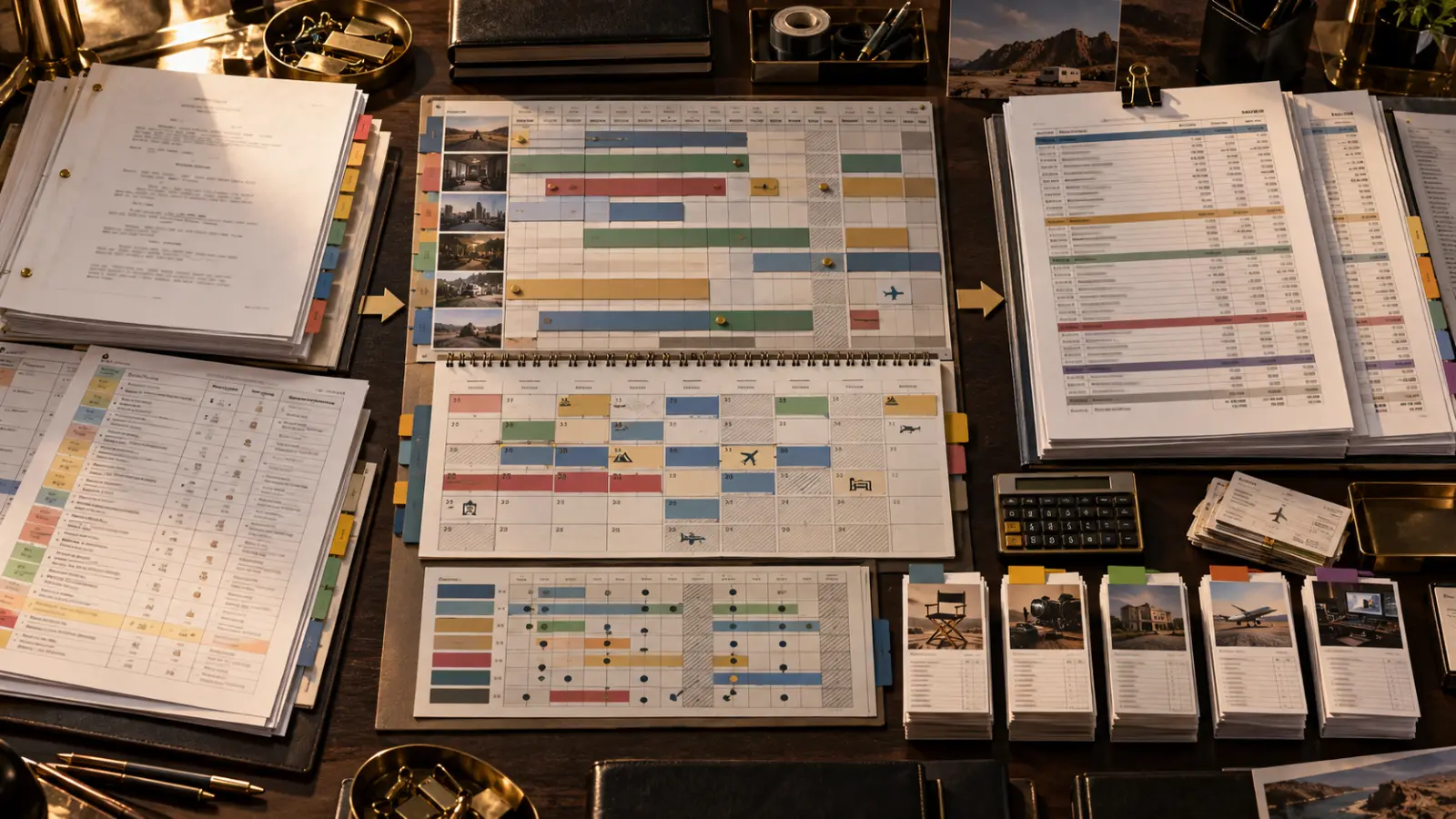
A useful schedule example shows the logic behind the days, not just the scene numbers. Here is a simplified four-day block for a contained independent feature:
| Shoot day | Main location / block | Planned work | Scheduling logic |
|---|---|---|---|
| Day 1 | Apartment interiors | Dialogue-heavy day scenes with lead cast. | Keep lighting controlled and build momentum without a company move. |
| Day 2 | Apartment interiors | Remaining apartment scenes plus practical night interiors. | Finish the location before striking art and equipment. |
| Day 3 | Street / exterior block | Day exteriors, vehicle work and walk-and-talk scenes. | Group permits, parking, picture vehicles and exterior support together. |
| Day 4 | Warehouse | Climax scenes, effects inserts and pickup coverage. | Allow extra time for effects, reset and more complex coverage. |
For a more detailed reference, see our existing low-budget film shooting schedule example. That article focuses on an example; this guide focuses on the process of building the schedule.
Common Film Scheduling Mistakes
Should You Use Movie Magic Scheduling?
You can create a schedule with physical strips, spreadsheets or other software, but dedicated scheduling tools make it easier to move scenes, track elements, generate reports and maintain a DOOD. Movie Magic Scheduling remains a common professional option, and its official manual includes stripboards, shooting-schedule reports, calendars and element conflict tools.
The right software depends on the project and team. The more important question is whether the schedule reflects real production logic. If you are comparing tools, read our Movie Magic Scheduling vs Filmustage guide.
How the Production Schedule Connects to the Film Budget
The schedule is one of the strongest inputs into a professional film budget. It determines or influences:
- crew work weeks and shoot-day payroll;
- cast work, hold and travel days;
- camera, grip, lighting and sound rental periods;
- location days and company moves;
- vehicles, parking and transportation;
- hotel nights and per diems;
- overtime and turnaround exposure;
- art, wardrobe and makeup prep requirements.
Need the Schedule and Budget Built Together?
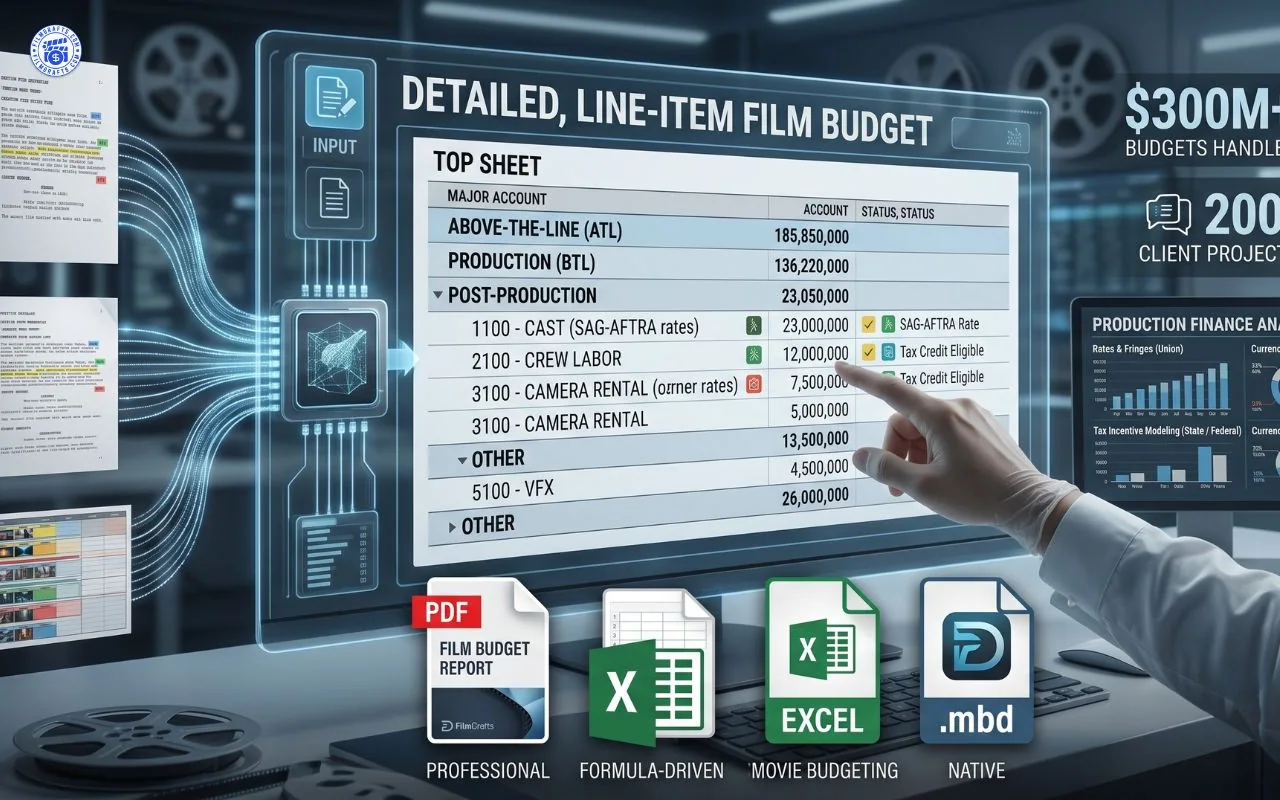
If you already have a screenplay and want a professional planning package, FilmDrafts can build the breakdown, production schedule and detailed film budget around your project assumptions.
Get Detailed Film Budget Service & Movie Magic Budgeting from us →
For scheduling-only support, you can also review our Script Breakdown & Production Scheduling service.
Film Production Schedule Checklist
Before you call the schedule ready for production, verify the following:
- every scripted scene appears on the board or is intentionally omitted;
- scene page counts and day/night designations are correct;
- cast conflicts and hard availability are reflected;
- location availability and company moves are realistic;
- night work and turnaround implications have been reviewed;
- specialty days—stunts, vehicles, crowds, effects, intimacy, animals—have enough time;
- calendar off-days, travel and holidays are included;
- DOOD patterns are efficient enough for the cast plan;
- department prep/reset needs are achievable;
- the budget has been updated to match the current number of shoot days.
Frequently Asked Questions
How do you create a film production schedule?
Break down the script, convert each scene into a scheduling strip, group scenes by location and practical efficiency, build shoot days, check cast/location conflicts, place the plan on a production calendar, review the DOOD and reconcile the result with the budget.
What should a film production schedule include?
At minimum it should identify scenes, set/location, INT/EXT, day/night, page count, cast requirements and the shoot day. Detailed schedules may also include production elements, calendar dates, units and department-specific information.
How do you schedule scenes for filming?
Scenes are usually scheduled by production efficiency rather than story order. Group by set/location first, then balance cast availability, day/night requirements, complexity, company moves and department needs.
How many pages should a film shoot per day?
There is no fixed rule. Page count is useful as a planning metric, but scene complexity, coverage, location moves, stunts, effects and performance demands matter more than page count alone.
What is a film stripboard schedule?
A stripboard represents each scene as a movable strip containing scheduling information. Scenes can be reordered and grouped into shoot days based on location, cast, day/night and other production constraints.
What is a Day Out of Days?
A DOOD is a report showing how performers or other elements are used across the production calendar. It helps identify work days, holds, starts, finishes and potential schedule conflicts or inefficiencies.
Is a shooting schedule the same as a call sheet?
No. The shooting schedule organizes the overall production. The call sheet is a daily document with the operational plan for one specific shoot day.
Who creates the film shooting schedule?
On professional productions, scheduling is commonly led by the UPM/line producer and 1st AD, with producer and department input. Smaller independent films may combine these responsibilities.
When should the production schedule be built?
A preliminary schedule can be built once the working script is stable enough to break down. It should then be revised throughout pre-production as cast, locations, department needs and budget assumptions become more concrete.
Does the production schedule affect the film budget?
Yes. Shoot days, cast days, rentals, locations, travel, overtime and crew weeks are all schedule-sensitive costs. A major schedule change should trigger a budget review.
Can FilmDrafts create a production schedule from my screenplay?
Yes. FilmDrafts offers screenplay breakdown and production scheduling support, and can also pair the schedule with a detailed film budget when you need a broader pre-production package.
Need a Production Schedule Built From Your Screenplay?
Send FilmDrafts your screenplay and known production assumptions. We can prepare the script breakdown, stripboard-style schedule and detailed budget as a practical planning package.
View Script Breakdown & Scheduling Service →